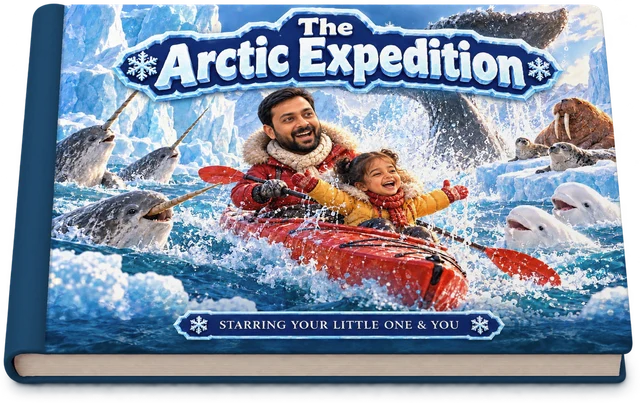

Heroes
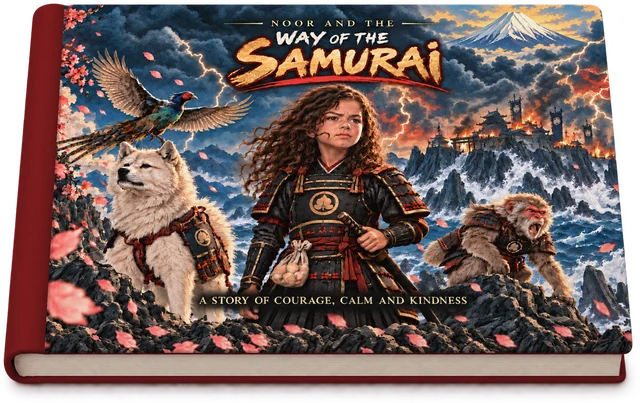
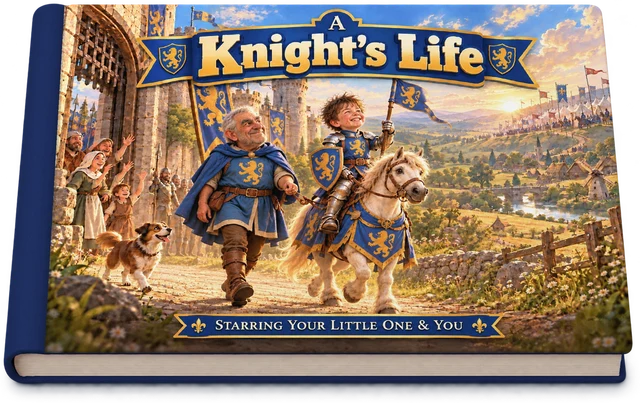
Your child as the hero: a samurai folktale from Japan and a knight’s life in the Middle Ages.
See all 2 booksDeep in the Amazon, under the pyramids, out among the stars: an adventure made just for your child and you, with something new to discover on every page.

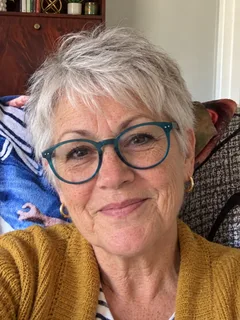
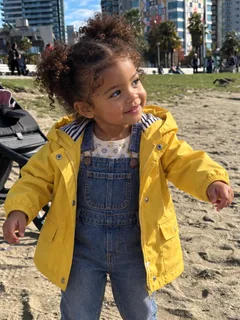
One everyday photo of your child, and one of you if you’re in the story (the Samurai book is just your child). We use them only to draw the characters.

Each page is a moment in the story, a true fact and a question your child answers from the picture: what Saturn’s rings are made of, how Triceratops got its name, what a knight wore.
Ten hardcover picture books on four shelves. Each is a story set in a real place or time, with your child drawn into every page. Tap a book to look inside.
Your child as the hero: a samurai folktale from Japan and a knight’s life in the Middle Ages.
See all 2 books
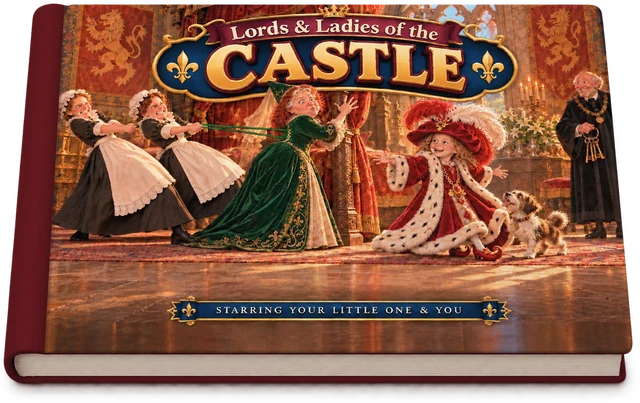
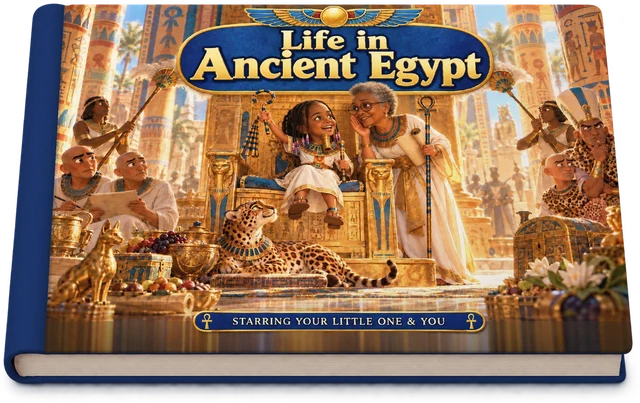
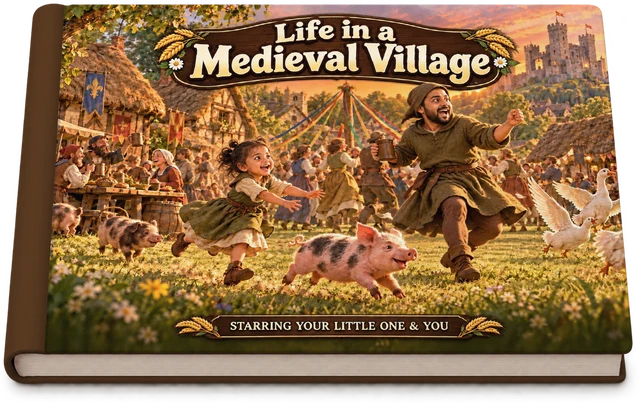
How people really lived: in a medieval castle, a medieval village and along the Nile in ancient Egypt.
See all 3 books
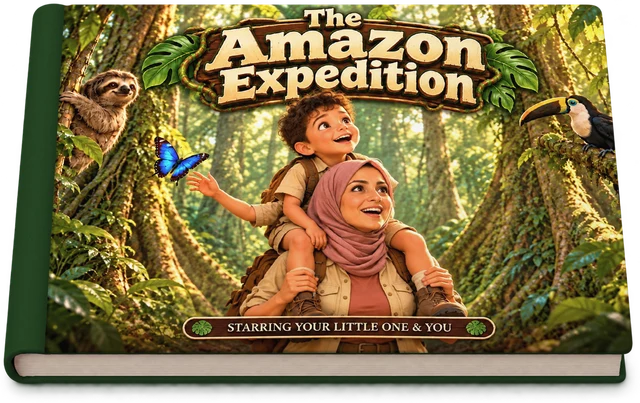
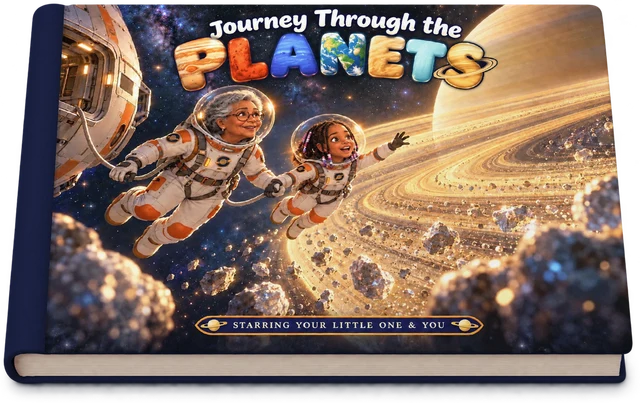
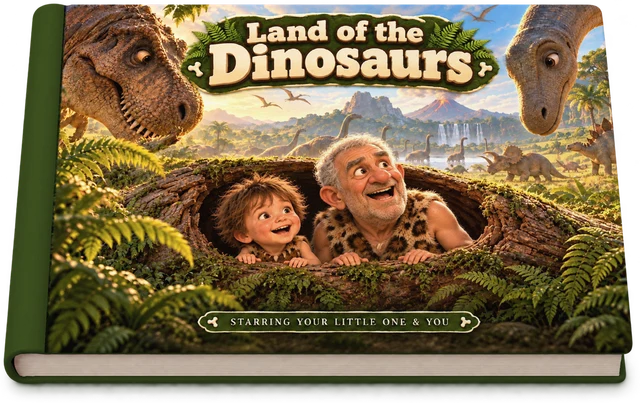
Real places and real science: the Amazon rainforest, the planets, the dinosaurs and the Arctic.
See all 4 books
Six sleeps in Lapland: huskies, reindeer, the northern lights and a little cabin on Christmas Eve.
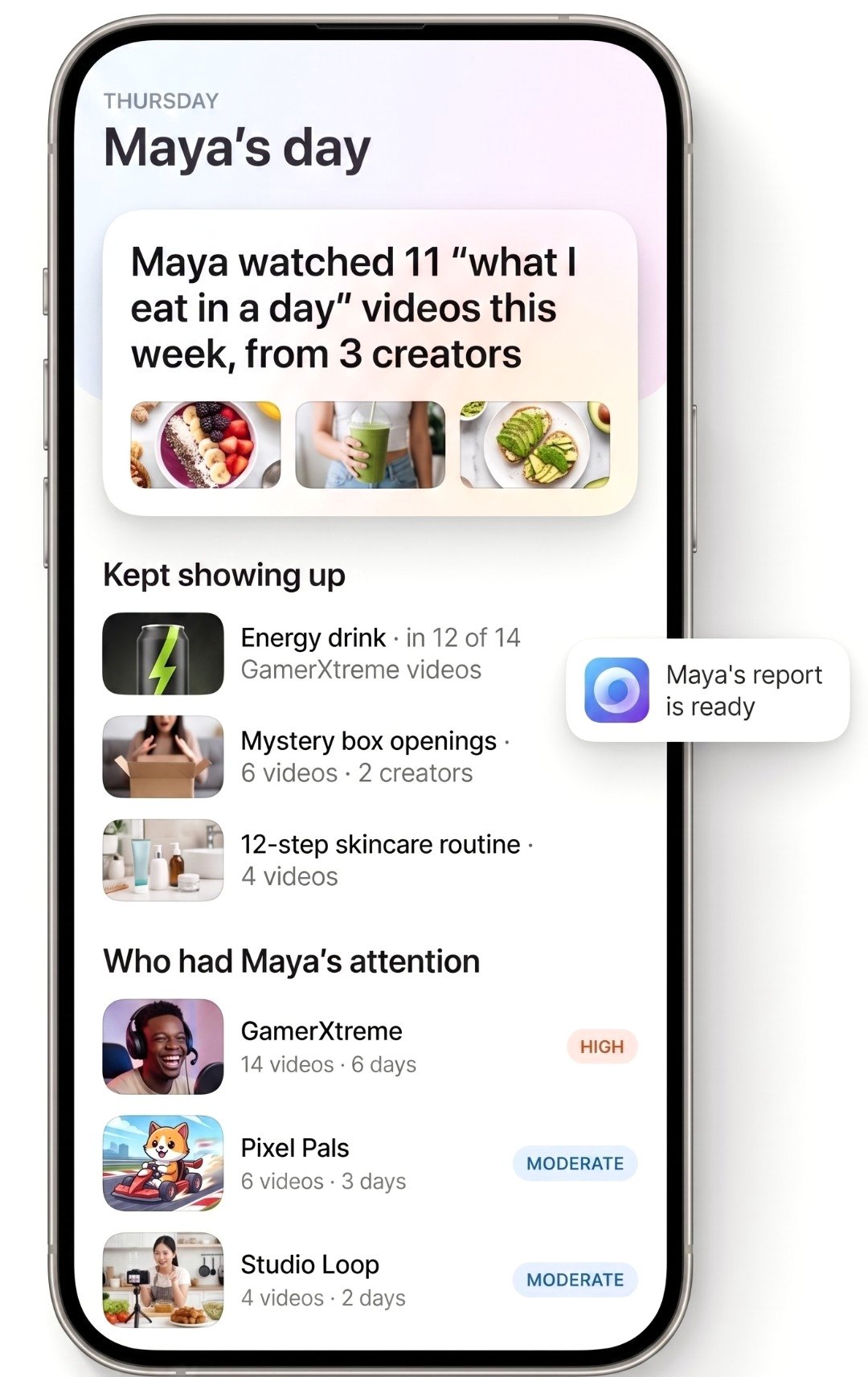
See the bookSee who shapes your child’s online world: which creators have their attention, what they promote, and when it shows up on their phone.
A landscape hardcover, 8 × 11 in (21 × 28 cm), 32 pages. The story runs over 30 illustrated pages, each with one true fact and one look-and-find question, with your child (and, in most books, you) drawn into every one. For ages 2 to 10 (the Samurai book is 4 to 10). $54.99 for a hardcover and $39.99 for a softcover.
To the US, the UK, Canada and Australia. Each book is printed close to you (books for Australia are printed in New Zealand) and arrives in 5 to 7 business days in the US, 4 to 5 in the UK and Canada, and 7 to 12 in Australia. US shipping is $9.99 per order, however many books are in it.
The ten picture books are on sale now. The Cradl app, coming soon, brings every world, its books and games, and the parent tools together in one place.
On an Android phone or a Fire tablet, the Cradl app notices which YouTube videos are played, which apps are used and which sites are visited, by name. On an iPhone, you sign in once to your child’s Google account from your own phone and Cradl reads their YouTube history from there. Cradl then investigates the creators, products, apps and communities that keep appearing, and sends you a short report every week, with an email when something new needs your attention.
Those set time limits and block apps. Cradl tells you who is influencing your child and what they’re being sold: which creators have their attention, what those creators promote, and what 18+ content or communities reached them. Most families keep the free tools for limits and use Cradl to know.
No. Nothing is installed on the iPhone or iPad. You sign in once to your child’s Google account from the Cradl app on your own phone.
No. You sign up on your phone, and the child’s phone is set up in about three minutes, together with your child.
Android phones and tablets, Amazon Fire tablets, and iPhone and iPad through their Google account.
$99 a year or $14 a month. The first 7 days are free; you add a card when you sign up and nothing is charged until day 7. Cancel anytime in two taps.